
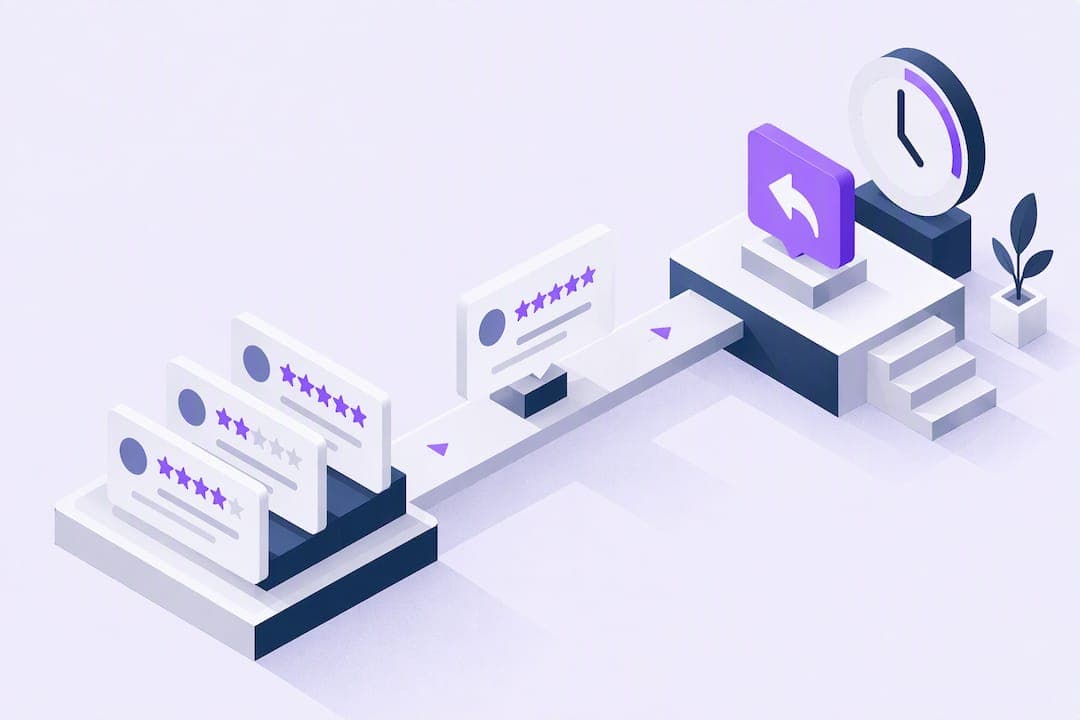
Reply promptly and professionally: acknowledge the review, thank or address the reviewer by name where possible, and aim to respond within 24 to 72 hours. That single habit shapes how prospective customers see your business before they ever call. The steps, scripts and timing guidance below show exactly how to do it well.
TL;DR:
- Replying promptly within 24 to 48 hours improves your reputation and increases the likelihood of attracting future customers.
- Verified Business Profiles are required to respond, and replies are reviewed by Google, which can delay publication up to 30 days in rare cases.
- Personalised, concise replies referencing review details earn more trust than generic templates, especially when responding to positive feedback.
- Handling negative reviews with calm, structured responses involving acknowledgment, apology, and offline resolution helps mitigate damage without admitting fault.
- Using tools like ScheduloApp can streamline review monitoring and help assign responses to the appropriate staff member, reducing operational delays.
Table of Contents
- How to reply to a review on your Google Business Profile
- Thanking customers well after a positive review
- Handling negative reviews without making things worse
- Monitoring reviews and knowing when to flag one
- Templates and habits worth copying
- How ScheduloApp fits into a review response routine
- What actually matters once the templates are in place
- Try ScheduloApp to keep on top of reviews without extra admin
- Sources
- FAQ
How to reply to a review on your Google Business Profile
You need a verified Google Business Profile to read or reply to reviews, and replies only appear once Google confirms ownership. Once verified, the process is the same whether you manage one location or several.
- Sign in to your Business Profile and open the Reviews section from the profile manager.
- Find the review you want to answer and select Reply, then type your response.
- Submit the reply. Google reviews it before publishing, a step that usually takes minutes but can take up to 30 days in rare cases.
- To change a published reply, open the same review and select Edit, or Delete if you want to remove it entirely.
On mobile, the same options sit inside the Google Maps or Business Profile app under Reviews. A common mistake is replying from the wrong account when someone manages several locations, so check which profile is active before you type. Reviewers are notified automatically once your reply goes live, so there is no need to contact them separately.
Thanking customers well after a positive review
A good reply to praise does two things: it thanks the person specifically and it invites them back without sounding like an advert. Mention something from their comment, whether that is a staff member's name, a product, or the appointment they booked, so the reply reads as genuine rather than copied.
- Thank the reviewer by name and reference one detail from their comment.
- Keep it to two or three sentences; a long reply to a short review feels forced.
- Skip discount codes or offers in the public reply and avoid stacking keywords for search purposes.
- If the review would work well in marketing, ask permission before quoting it elsewhere.
Consumers increasingly expect a reply, not just a rating. BrightLocal's 2025 survey found that businesses that reply to all their reviews tend to be more likely chosen by prospective customers than those that stay silent, so a short thank you carries more weight than it might seem.
Handling negative reviews without making things worse
A negative review is uncomfortable, but a calm, structured reply often does more for your reputation than the original complaint does damage. The UPS Store's small business guidance sets out a four-step approach: acknowledge what the customer experienced, apologise when it is warranted, offer a way to continue the conversation offline, and mention corrective action if one is genuinely needed. None of that requires admitting fault you have not established.
- Never post the customer's phone number, booking details or other private information in a public reply.
- Avoid language that accepts liability before you know what happened.
- Do not offer a refund, discount or freebie in public. Take that conversation to a phone call or e-mail instead.
- Keep the tone professional even when the review feels unfair.
For a service fault: "Thanks for flagging this, and I'm sorry the appointment didn't go the way it should have. Please call us on [number] so we can put it right." For a misunderstanding: "We're sorry to hear this, though our records show something slightly different. We'd welcome the chance to talk it through, please reach us at [contact]." For mistaken identity: "We can't find a booking under this name, if this was left for another business we'd be glad to help you find them."
Pro Tip: Rotate between two or three versions of each template and rewrite the opening sentence every time, so regular reviewers never see the same reply twice.

Monitoring reviews and knowing when to flag one
How quickly you need to respond depends on what the review says. A glowing five-star review can wait a day or two, but a serious complaint deserves same-day attention where possible. BrightLocal's research found that 81% of consumers expect a reply within a week, and many expect one within 24 to 48 hours.
- Check your Business Profile daily, or set up e-mail alerts so new reviews land in your inbox.
- On multi-location or busy accounts, delegate specific staff to monitor and draft replies for approval.
- If a review contains spam, profanity or clear extortion attempts, use the Reviews Management Tool to report it rather than replying publicly.
- Expect Google to take several days to evaluate a flagged review, and you can appeal once if the first decision goes against you.
Templates and habits worth copying
The best replies are short, sound like a person wrote them, and point towards a next step rather than just closing the loop. Aim for two to four sentences, skip promotional language, and match the tone of the review itself rather than defaulting to the same corporate phrasing every time.
- Positive: "Thank you, [name], glad the fitting went smoothly. Hope to see you again soon."
- Neutral or mixed: "Thanks for the honest feedback, we'll look at the wait times you mentioned."
- Negative with offline step: "Sorry to hear this, please call [number] so we can sort it out directly."
- Star-only rating, no text: "Thanks for the rating, we'd love to hear more if you have a moment."
- Repeat customer: "Great to see you back again, [name], thanks for the kind words."
AI drafting tools can speed up the first pass of a reply, particularly for businesses fielding dozens of reviews a week, but the draft needs a genuine edit before it goes live. BrightLocal's findings show that personalised replies outperform generic templates and that obviously templated responses reduce trust for a meaningful share of consumers. The fix is simple: keep a bank of starting points, then change at least the opening line and one specific detail every time.
How ScheduloApp fits into a review response routine
Businesses using ScheduloApp already have client and booking details in one place, which makes matching a review to the right appointment faster. The platform's Google Reviews integration displays verified ratings directly on a business profile, and its team scheduling and analytics dashboard help identify which staff member or service a review refers to before you reply.
- Real-time booking data helps you confirm the appointment behind a review before responding.
- Team scheduling tools make it easier to route a reply to the staff member best placed to answer it.
- The analytics dashboard flags patterns across reviews, useful when several relate to the same service or time slot.
None of this replaces the judgement a good reply needs, it simply removes some of the guesswork around who a review is about and when.
What actually matters once the templates are in place
Most advice on review replies focuses on wording, but tone matters less than most business owners assume. Reviewers care more that a business bothered to respond at all than whether the phrasing was polished, so businesses that treat every review as urgent, including the glowing five-star ones with no comment, are spending effort where it counts least.

The bigger gap is speed and consistency, not vocabulary. A business that replies to every review within a few days, using slightly rough but genuine language, will build more trust than one that agonises over a perfect script and lets reviews sit for weeks. Where the conventional advice falls short is in treating this as a writing problem. It is really an operational problem: who checks for new reviews, how often, and who has the authority to reply without waiting for approval.
If you take one thing from this guide, make it a routine rather than a script. Decide who checks reviews and how often before you spend time perfecting what to say.
— Kamil
Try ScheduloApp to keep on top of reviews without extra admin

If checking multiple platforms for new reviews feels like one more job on a long list, An early access plan can bring booking, client details and Google Reviews together in one dashboard at no subscription cost during an initial phase. Notifications flag new activity so nothing sits unanswered for days, and verified ratings show on your profile automatically once connected. None of this is required to follow the steps above, a notebook and a daily check work just as well, but for businesses juggling several staff or locations it removes a layer of manual tracking. You can see current plan details on the Early Access Plan page.
Sources
- Manage customer reviews - Google Business Profile Help
- Local Consumer Review Survey 2025 - BrightLocal
- How to respond to a bad review - The UPS Store small business blog
FAQ
Can you reply to a reply on Google reviews?
No, Google does not let a reviewer respond to a business's reply within the same thread. If a customer wants to add more detail, they can edit their original review, and the business can update its reply to match.
What are some good examples of replying to Google reviews?
A strong positive reply thanks the reviewer by name and mentions a specific detail from their comment, such as "Thanks, Priya, glad the consultation was helpful." A strong negative reply acknowledges the issue, apologises without admitting fault, and offers an offline contact for resolving it further.
What does a good review response actually look like?
A good response is short, specific and free of promotional language, following the acknowledge, apologise, offer a next step framework for negative feedback. For positive reviews, a simple thank you referencing a real detail works better than a generic line.
How should a business owner reply to Google reviews?
Owners should reply from a verified Business Profile, keep the tone professional and personal, and respond within a few days rather than letting reviews sit unanswered. BrightLocal's research shows that businesses replying to all reviews are viewed more favourably by prospective customers than those that stay silent.